
Jónsbók, right inside Word and Outlook
Research legal questions and draft documents without leaving Word. Answer them from Outlook without leaving your inbox.
Every answer stays cited, and every draft stays in place. No copy-paste between tabs.
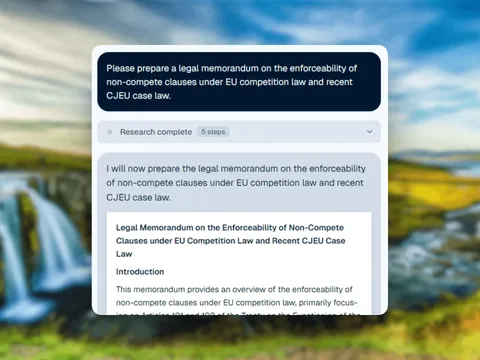
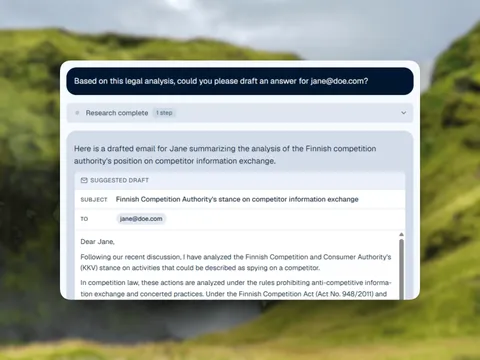
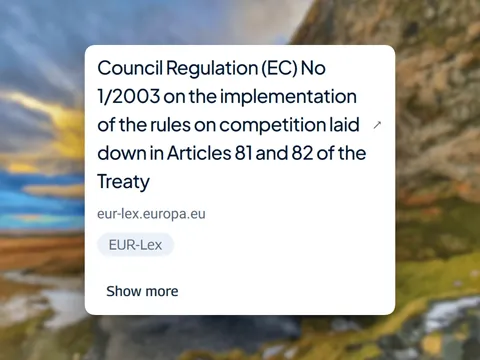
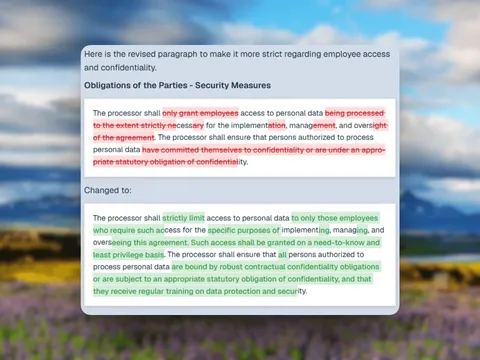
No separate app to open, no client data to move
Harvey and Legora are built as standalone web tools; Jónsbók's Word and Outlook add-ins put the same research and drafting where lawyers already spend their day. Your documents and emails never leave Microsoft Office, and the same ISO/IEC 27001-certified, EU/EEA-resident security that protects the web app protects the add-ins too.
The tab-switching tax
Every legal question means leaving the document you're writing
Tab-switching to research
A question comes up mid-draft, and answering it means tabbing out to a separate browser tool.
Lost formatting and citations
Copy-pasting an answer back into the document loses formatting and the citations with it.
Starting from a blank reply
A reply that needs legal review still starts from a blank line in Outlook.
One assistant across Office
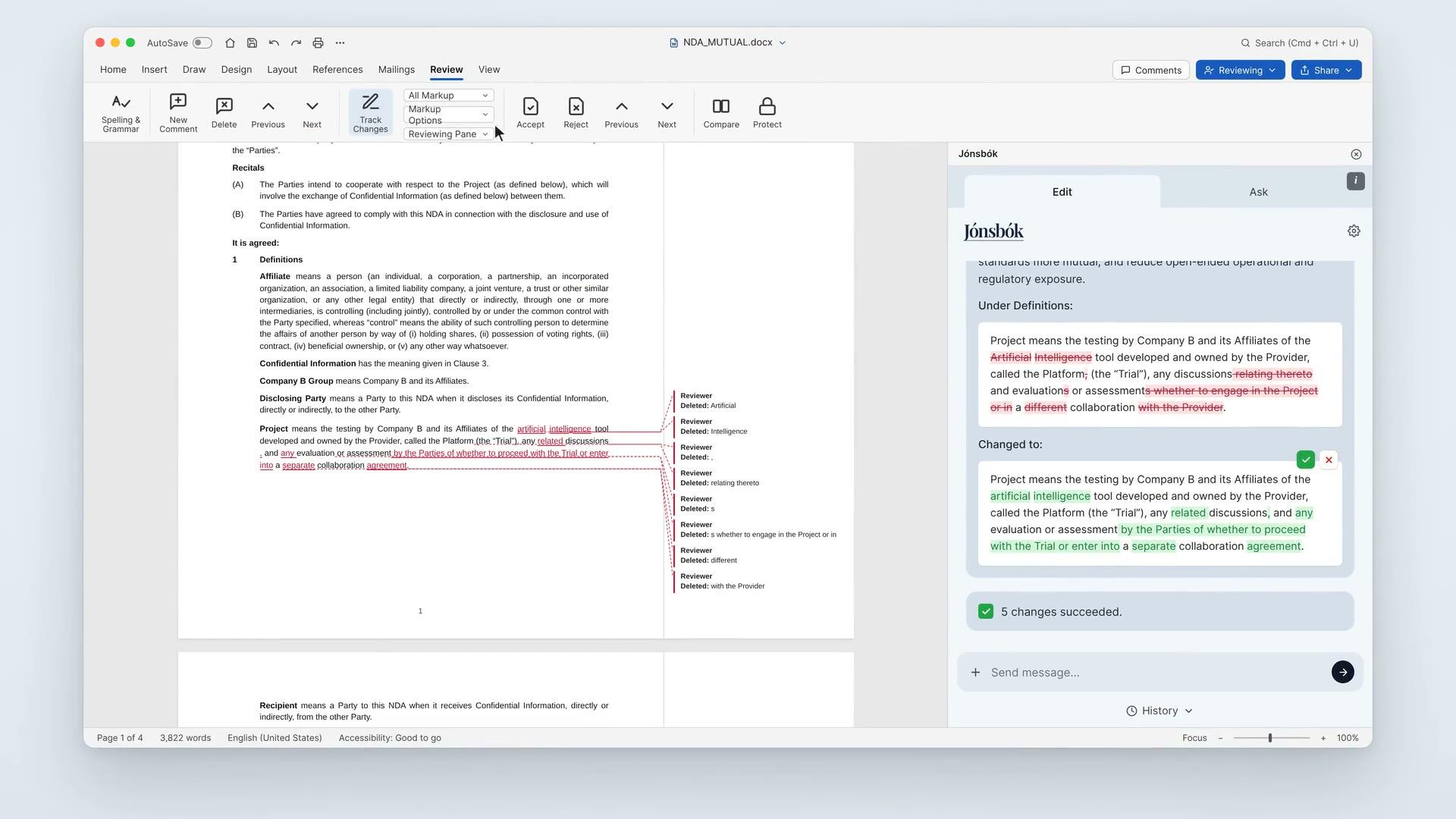
Microsoft Word
Research and draft inside Word
Ask legal questions in the Jónsbók sidebar while you write. Get cited answers, check references, and insert verified text straight into your document, all without leaving Word.
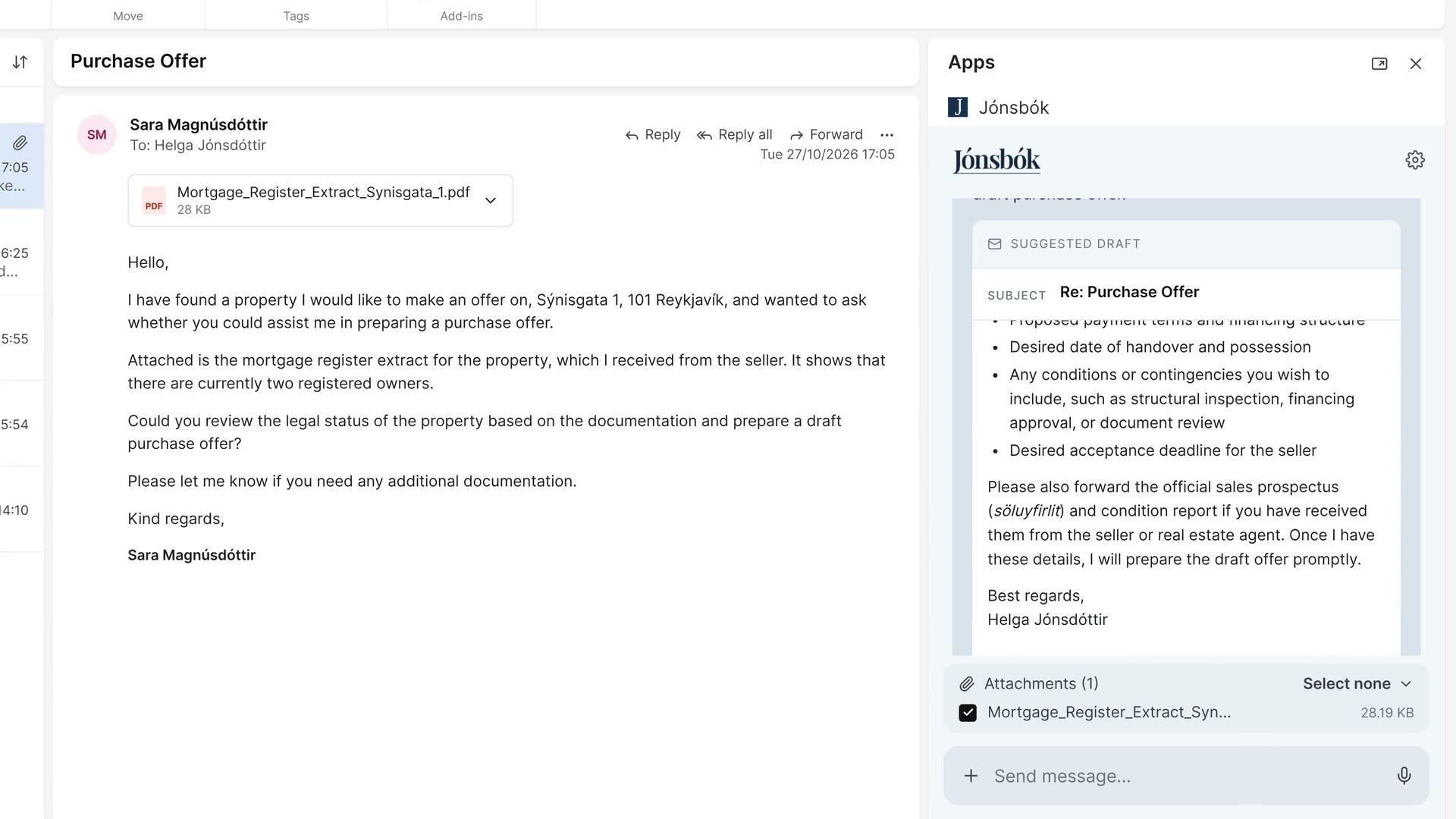
Microsoft Outlook
Research and reply inside Outlook
Open the Jónsbók add-in next to any email to research the law, draft replies grounded in your jurisdiction, and check citations before you hit send.
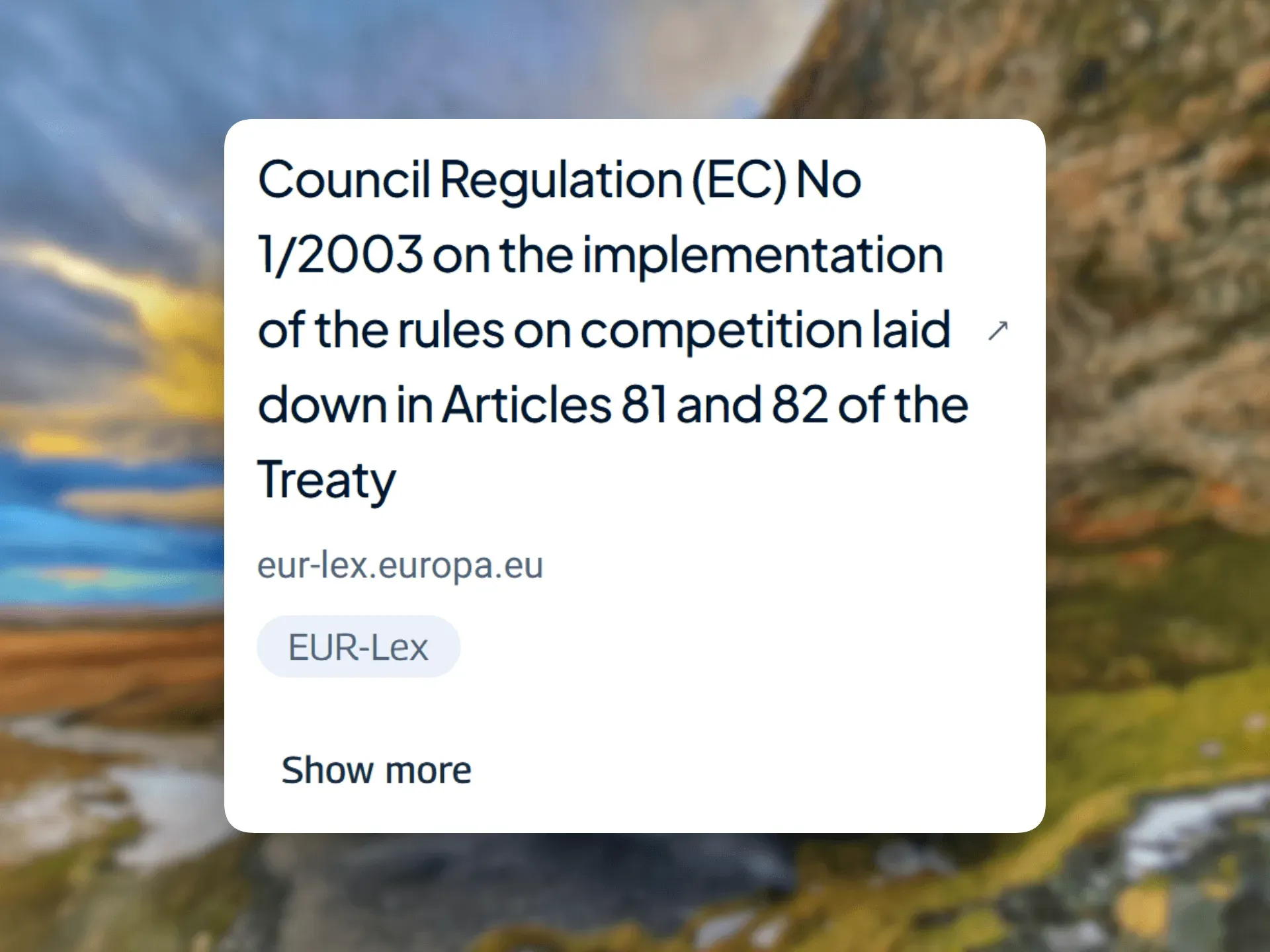
Citations you can verify in the app
Ask from the Word or Outlook sidebar and get answers grounded in the laws and cases of your jurisdiction, with sources you can verify without leaving the app.
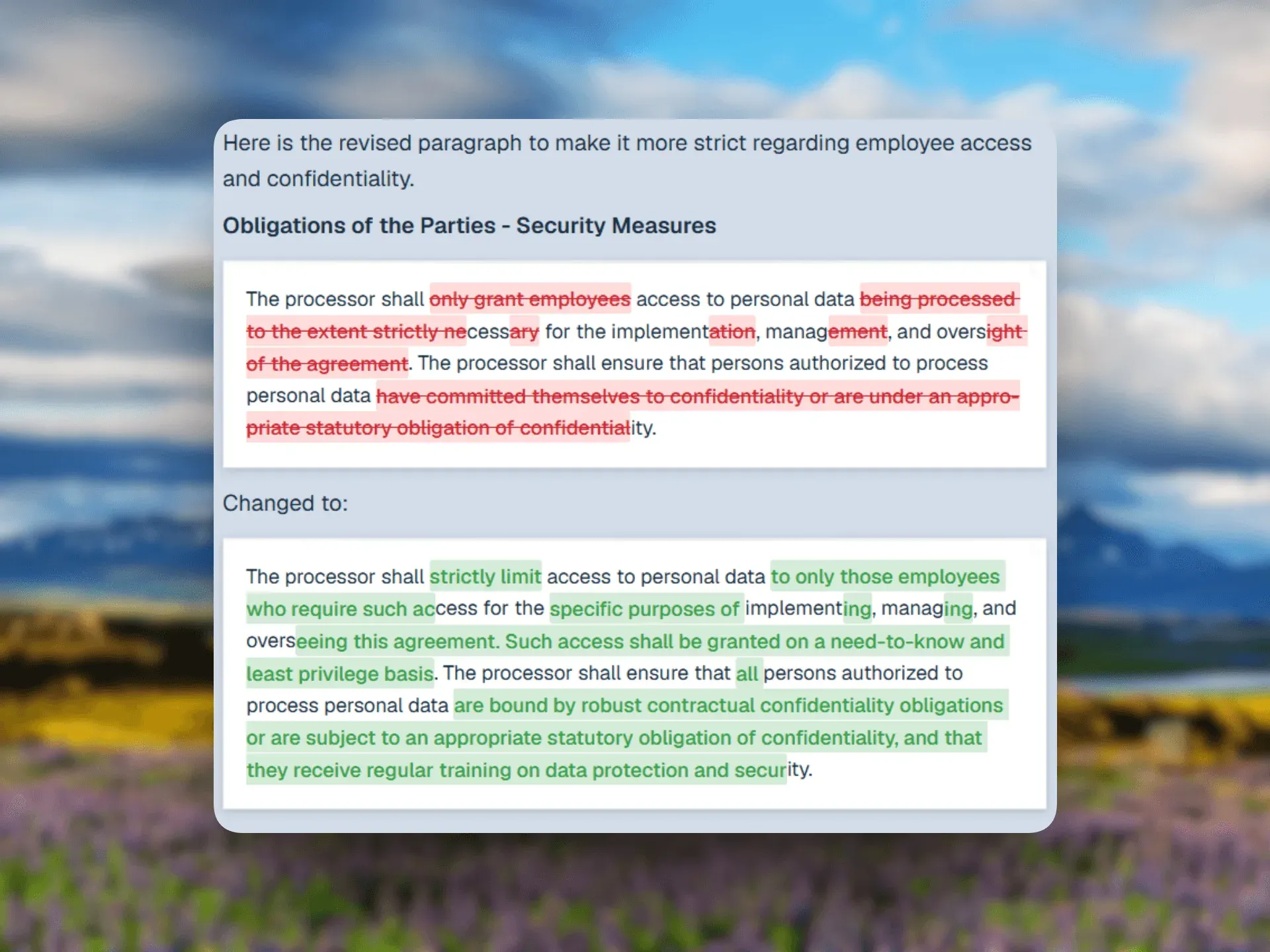
Draft directly in place
Insert cited text directly into a document or an email reply. No copy-paste between tabs, no lost formatting.
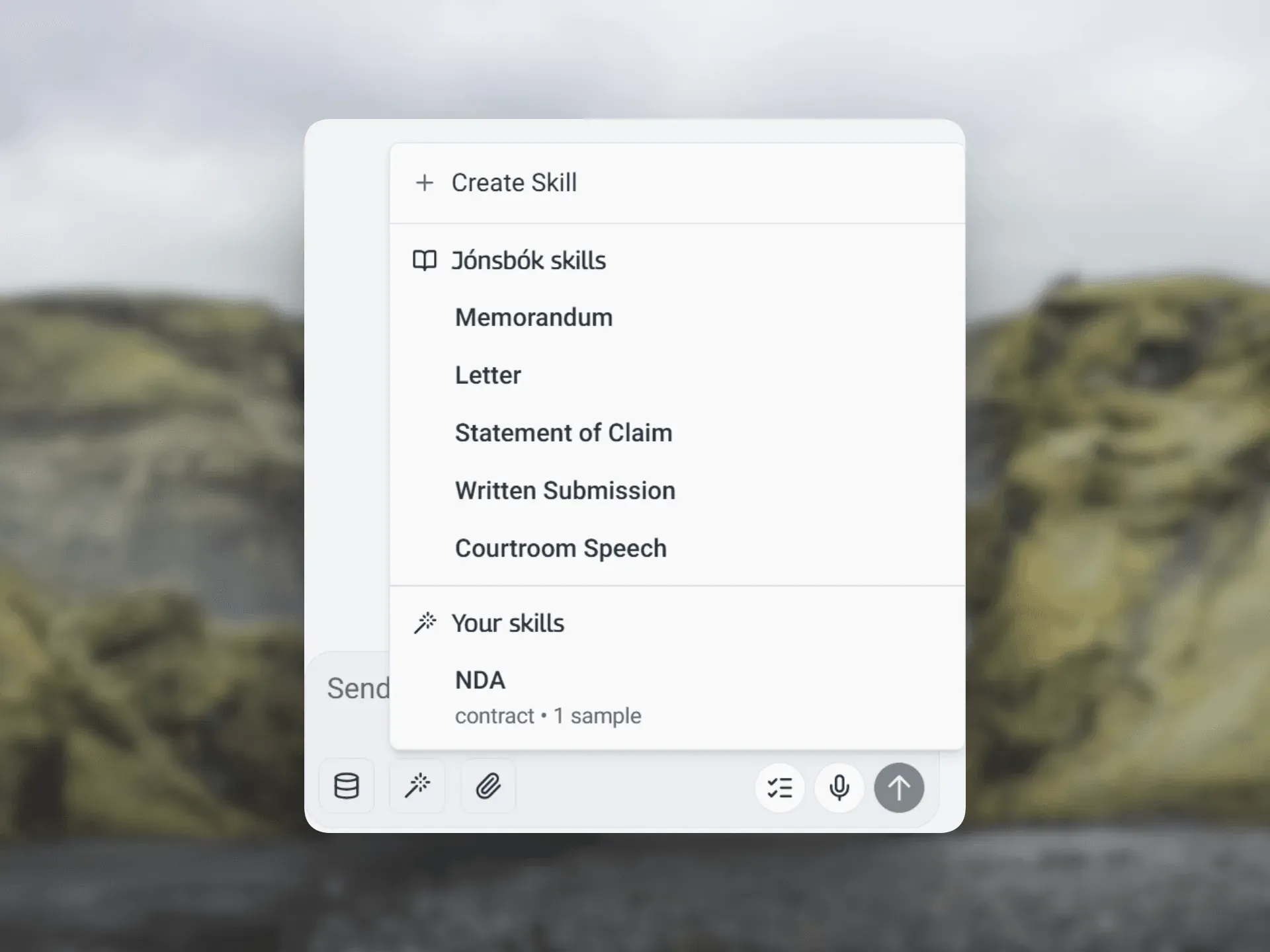
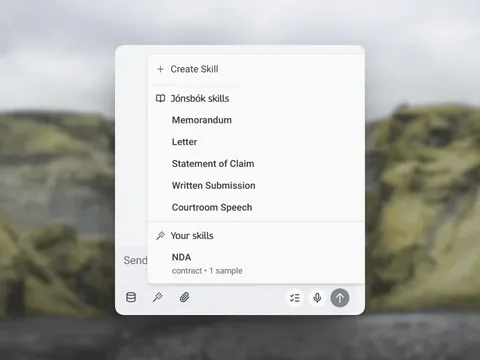
Your firm's skills, in Office
Reach your knowledge bases and reusable skills from inside Office, so every draft follows your firm's standards.
More in Jónsbók
Beyond Word and Outlook
Common questions about the add-ins
Yes. Our Microsoft Word add-in brings Jónsbók directly into your workflow. You can research legal questions and draft documents without leaving Word.
Yes. Open the Jónsbók add-in next to any email to research the law, draft a reply grounded in your jurisdiction, and check citations before you send.
Yes. Your data is encrypted at rest and in transit, never used to train models, and stored in secure European data centers with strict access controls. Jónsbók is ISO/IEC 27001 certified.
See Jónsbók work inside your own Word and Outlook
€175/license/month self-checkout, or book a demo for enterprise and procurement pricing.